
| Available with: |
| Papercast Player: Premium |
Prerequisites: A Papercast player with a transportation component.
01 Select the Transportation Component.
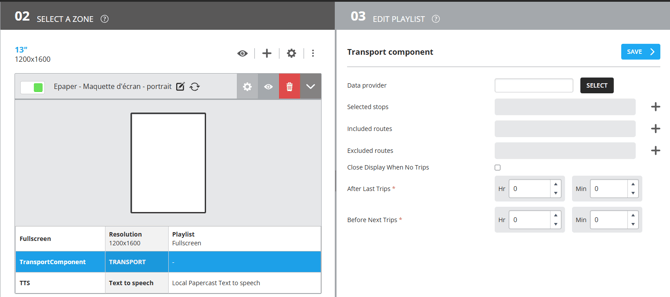
02 Configure your Transportation Component.
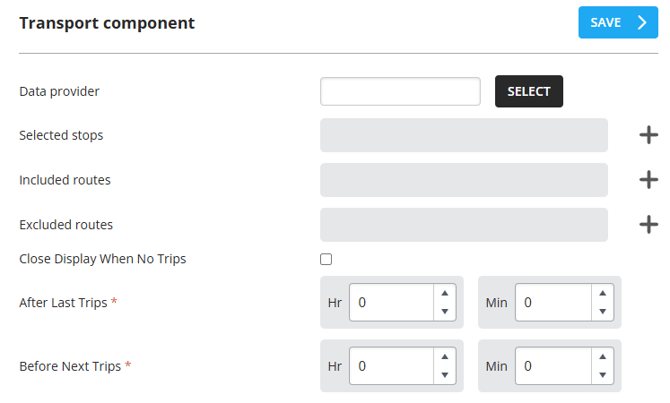
Configure the following elements of your transit component:
- Data Provider: Select your GTFS data provider.
- Selected Stops: Allows screen opening and closing rules to be applied based on one or more specific stops.
- Included Routes (optional): Applies an inclusion list to display specific routes.
- Excluded Routes (optional): Applies an exclusion list to hide specific routes.
- Close Display When No Trips: Enables the advanced energy-saving mode.
- After last trips: Choose the delay before the screen turns off after the last scheduled arrival.
- Before next trips: Choose the delay before the screen turns on prior to the next scheduled arrival.