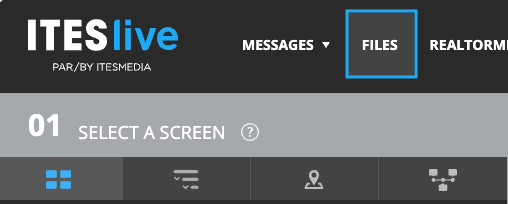
1. Select “Files” from the top menu
2. Select the files you want to delete
There are two ways to select multiple files.
Method 1: Manual Selection
- Hold down the Ctrl key (Windows) or the Command (⌘) key (Mac).
- Click each file you want to delete.
If you accidentally select a file, hold Ctrl or Command (⌘) again and click the file to deselect it.
Method 2: Click and Drag
- Click on a file.
- Without releasing the mouse button, drag the cursor to create a selection box around the files you want to add.
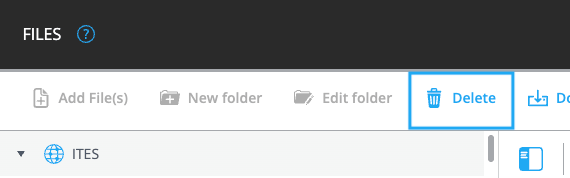
3. Click “Delete” at the top of the window