Click one of the following options:
Steps for an Expired Screen Layout (Due to an End Date)
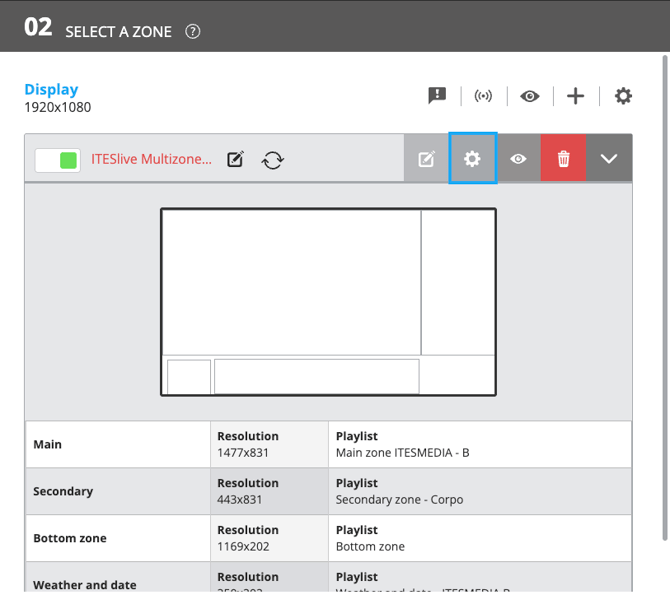
1. Click the gear icon above the screen layout
In Section 02, click the gear icon located above the screen layout.
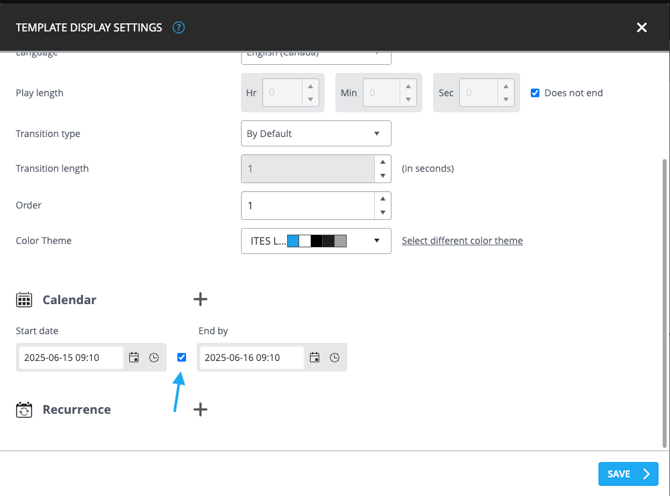
2. In the Calendar section, clear the checkbox between the Start Date and End Date fields
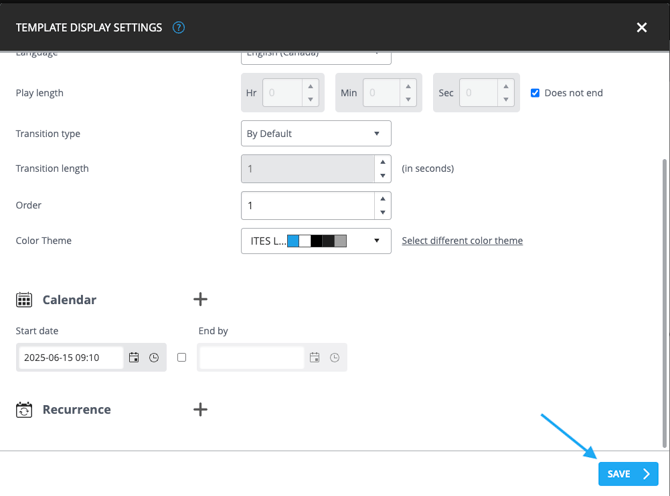
3. Click Save
Steps for a Disabled Screen Layout
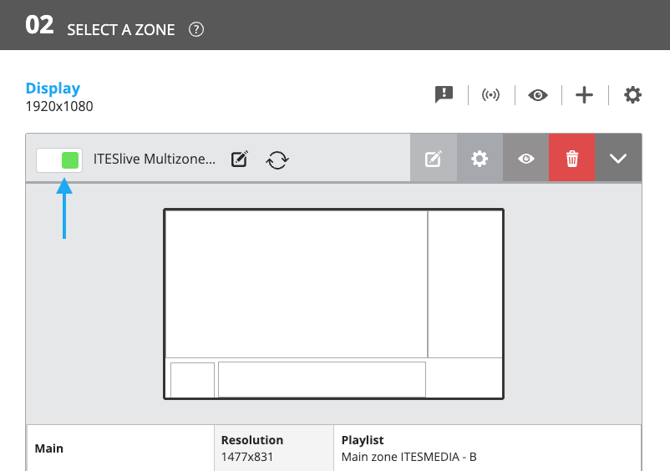
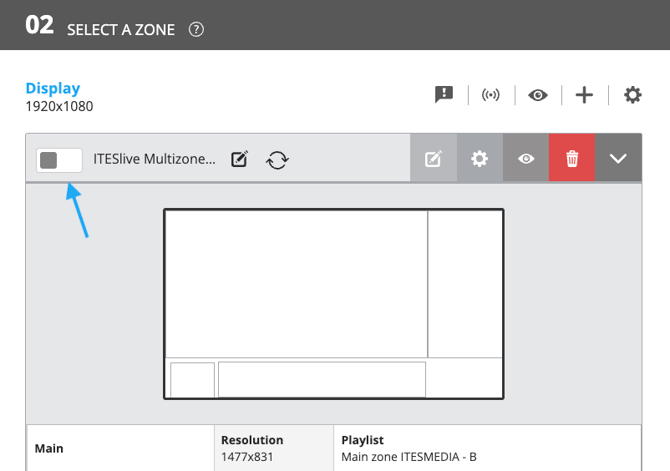
1. Move the toggle switch to the right
Move the toggle switch located to the left of the screen layout name to the right.
The toggle should turn green.
Disabled state (image below)
Active state (image below)