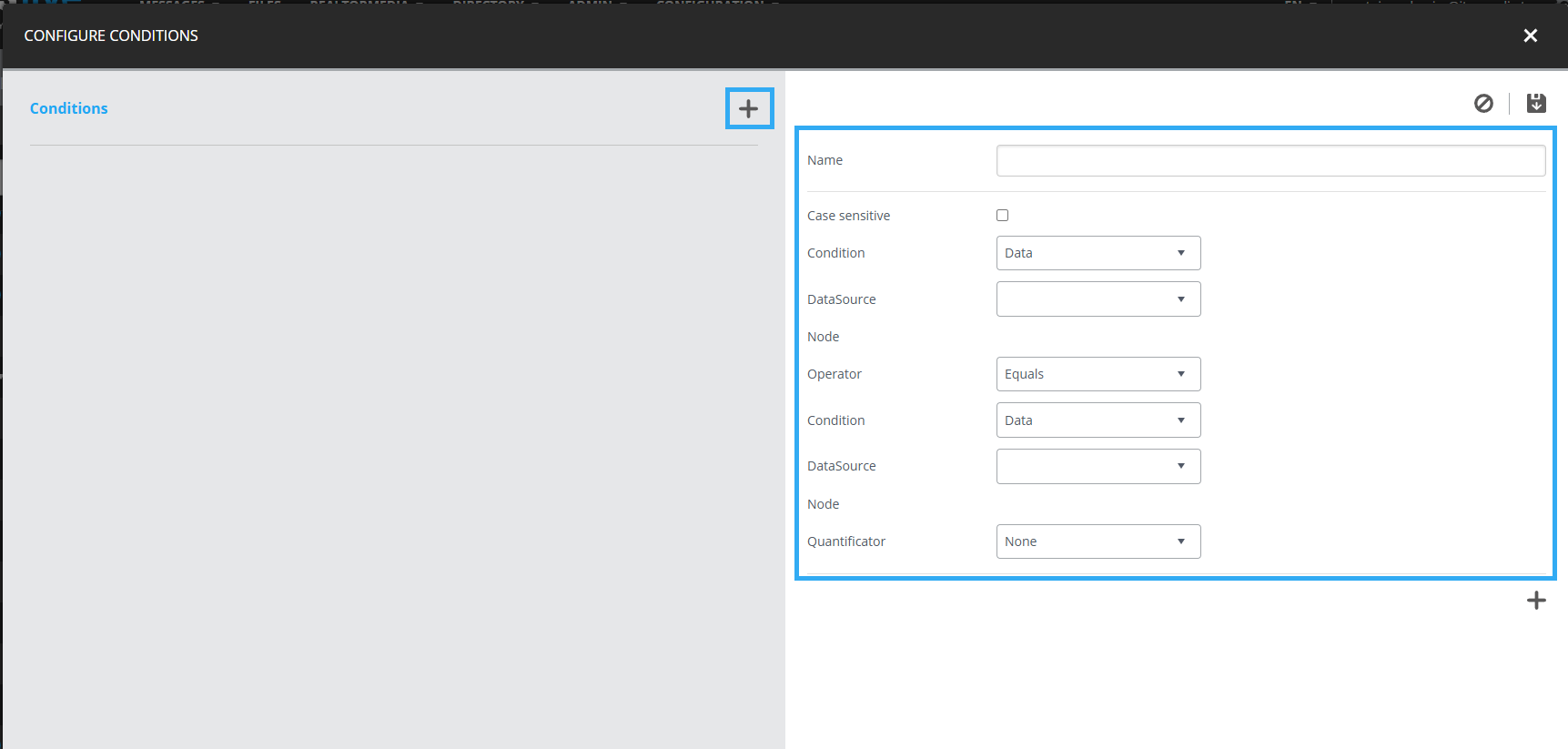
01. Create or Edit a Template
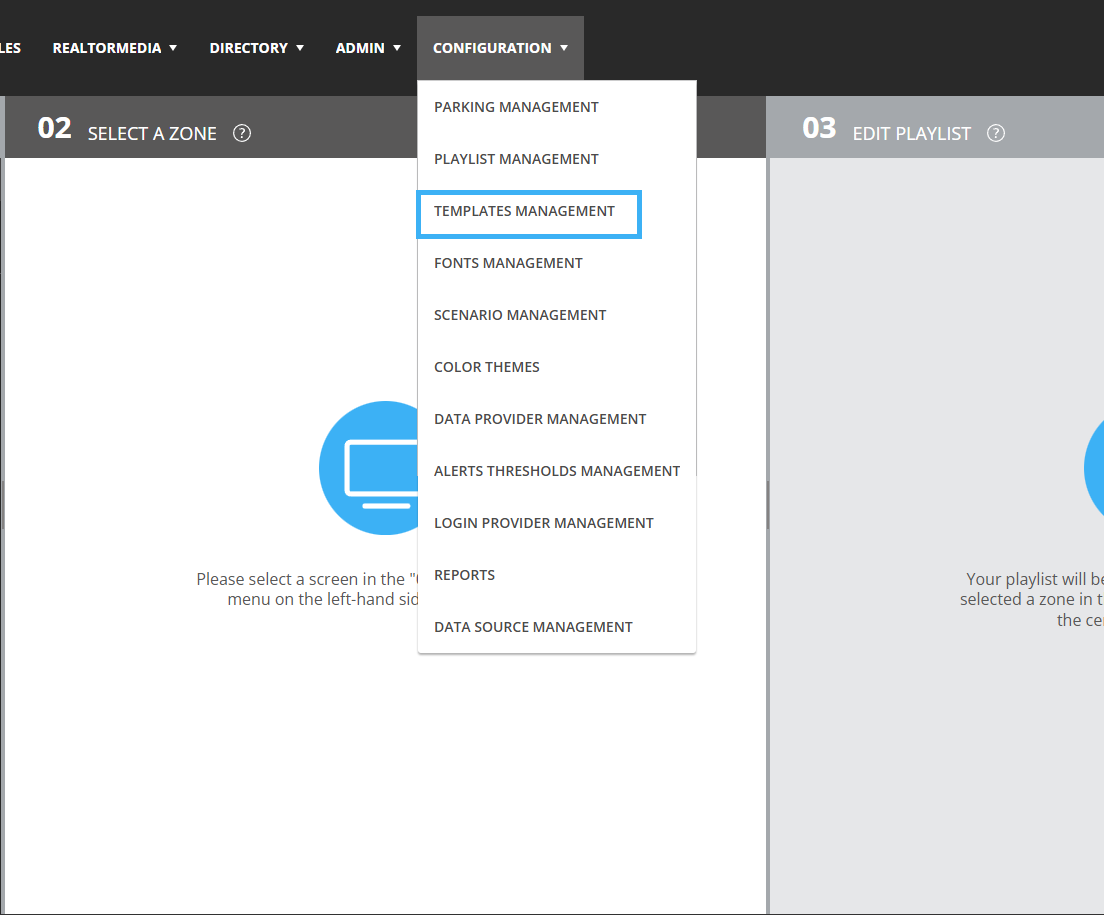
Click “Settings”, then “Template Management.”
Select the template you want to modify and click “Edit Template,” or click “New Template.”
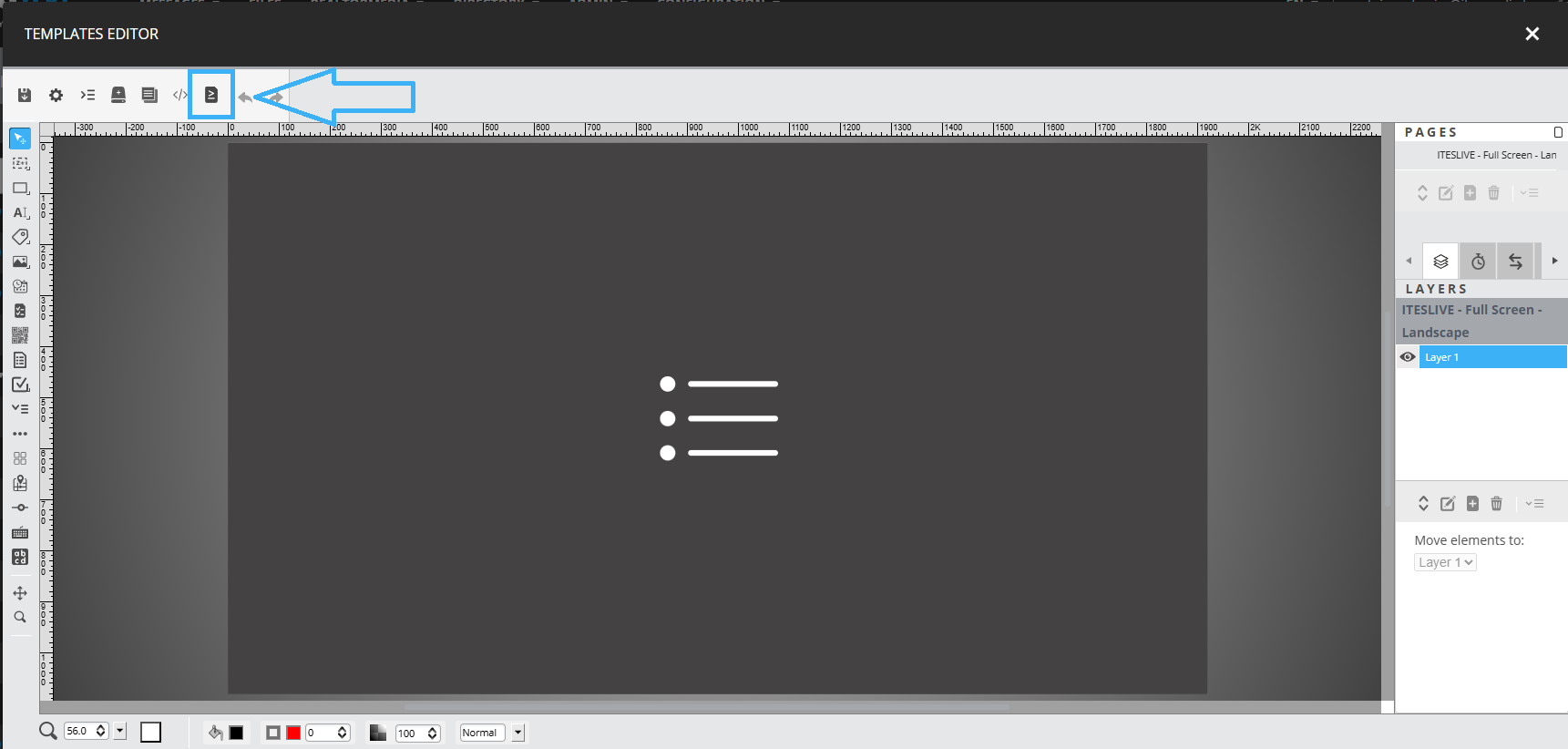
02. Create a Display Condition
In the upper‑left section of the template editor, click the “Conditions” button.
In the new condition window, click “+” to add a new condition.
03. Configure the New Display Condition
Configure your condition using the available options:Note: To learn more about conditions, see the article “What conditions can be applied to template data?”