1. Access your files
You can access your file list in two ways:
- Click Files in the menu at the top of the software.
- Or begin the process of adding a Media Clip.
For the first steps, see the following article: https://support.itesmedia.tv/how-to-add-an-image-to-a-playlist
2. Select the folder
Choose the folder containing the files you wan to view.
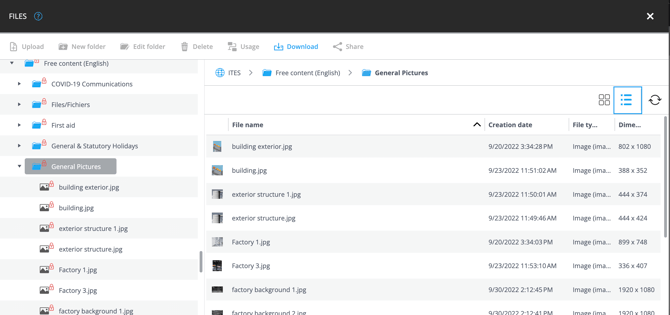
3. Enable List View
Click the List View icon located on the far right side of the window to display your files in a list.