
| Available with: |
| Windows Player: Pro, Premium Web Player: Pro, Premium LG webOS Signage Player: Pro, Premium Samsung SMART Signage Platform (SSSP / Tizen) Player: Pro, Premium BrightSign Player: Pro, Premium Android Player: Pro, Premium Linux Player: Pro, Premium macOS Player: Pro, Premium |
1. Click on configuration
2. Select Templates management
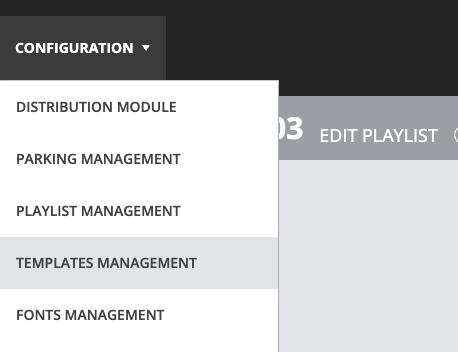
From there, you can create, edit, copy, and manage your templates.
Note: If the Template Management option is not displayed, your account may not have the required roles, permissions or your subscription may not include this feature.